How to Deploy an AdonisJS App to Production (2026)
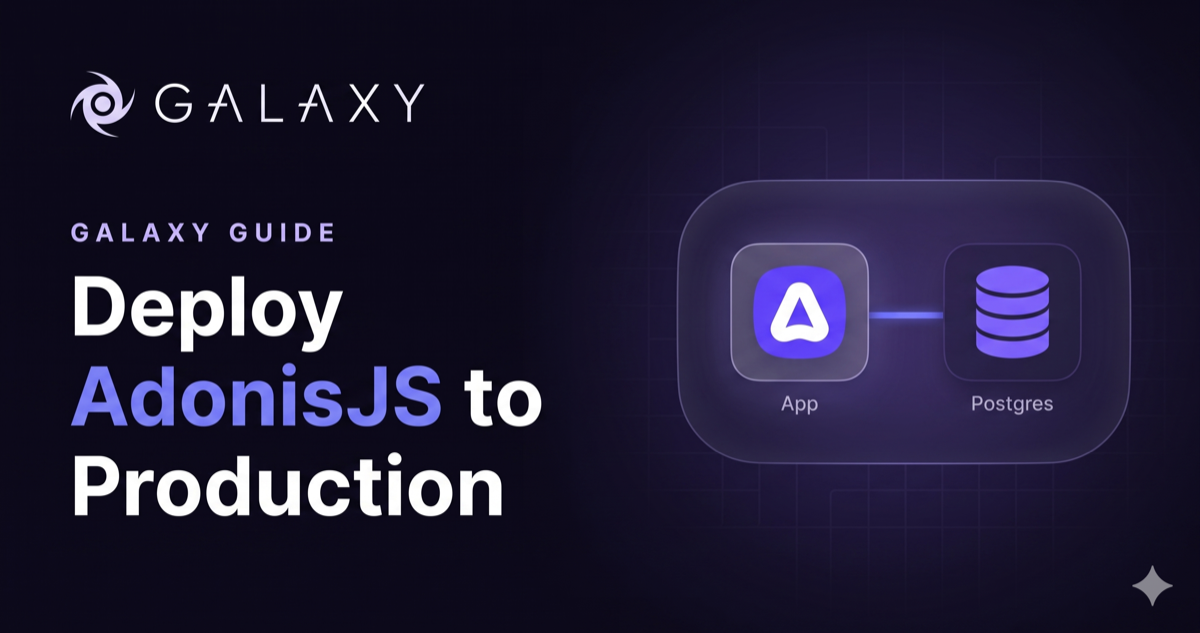
Deploying an AdonisJS app takes more than node server.js. You compile a TypeScript build, keep a process alive, run migrations, store user uploads somewhere durable, and connect a database. Skip one and the app either won’t boot or quietly loses data on the next deploy.
This guide covers what a production deploy actually requires and compares the hosting options honestly. Then you’ll follow a full deploy with a real example app. Database included.
The example app
We built a small open-source app you can clone and deploy: adonisjs-sample-app. It’s a stock AdonisJS 7 API app with Lucid wired to PostgreSQL, one migration, a Post model, and a few routes that make a deploy easy to verify:
GET /healthreturns{ "status": "ok" }for your platform’s health probeGET /db-checkconfirms the app reaches PostgresGET /postsandPOST /posts— a tiny Postgres-backed resource
Clone it and run it locally to see what you’re deploying:
git clone https://github.com/CloudByGalaxy/adonisjs-sample-app.git
cd adonisjs-sample-app
npm install
cp .env.example .env
node ace generate:key
node ace serve --hmr
Open http://localhost:3333/health and you should see {"status":"ok"}. The database routes won’t work yet — there’s no Postgres configured locally. That’s fine; you’ll connect one on Galaxy.
Now that you’ve seen the app run, let’s look at what a production deploy actually requires.
What an AdonisJS deploy requires
AdonisJS 7 apps are written in TypeScript, so production runs compiled JavaScript. The build bundles everything into a ./build folder that becomes the root of your app in production.
node ace build # writes the standalone output to ./buildFive things you handle no matter where you host:
- A current Node runtime. Galaxy’s AdonisJS app type comes pre-configured, so the runtime and the install, build, and start commands are set for you.
- A live process. Run the server under a manager like pm2 so it restarts on a crash. Managed platforms do this for you.
- Migrations. Apply schema changes on every deploy.
- Durable file storage. Most hosts use an ephemeral disk, so local uploads vanish on redeploy.
- A database. Lucid talks to Postgres, and you decide where it lives and how the app reaches it.
Each piece is simple on its own. Put them together and “I’ll just put it on a server” turns into an afternoon of yak-shaving.
Your hosting options, compared
| VPS + pm2 | Cleavr on a VPS | Generic PaaS | Galaxy | |
|---|---|---|---|---|
| Setup time | Hours | ~1 hour | Minutes | Minutes |
| Server maintenance | You | You | Provider | Provider |
| Managed database | No, install it | No, install it | Separate add-on | One click |
| App-to-DB egress | Free if same box | Free if same box | Often billed | Free, same network |
| SSL | Manual (Certbot) | Automated | Automated | Automatic |
| Process manager | You configure pm2 | Configured for you | Provider | Provider |
A VPS with pm2. Full control for a few dollars a month. You also own Node installs, Nginx, SSL renewal, OS patches, and the database. Cheap in dollars. Expensive in hours.
A provisioning tool on a VPS. Cleavr has first-class AdonisJS support and automates the server setup. The server and the database are still yours to maintain.
A generic PaaS. Render, Railway, and Heroku take server management off your plate. They treat AdonisJS as a generic Node app, bill the database separately, and can charge for traffic between app and database.
A managed platform that knows AdonisJS. Galaxy lets you pick AdonisJS as the app type. It builds and runs the app, renews SSL, and offers managed Postgres on the same network. Push a branch and it deploys. No pm2. No egress fees between app and database.
Deploy the example app on Galaxy, database and all
1. Push the app to your GitHub
From the adonisjs-sample-app folder, create a new repository on GitHub and push:
cd adonisjs-sample-app
git remote remove origin
gh repo create your-username/your-app --public --source=. --remote=origin --push
Or create a new repository on github.com and push manually:
git remote add origin https://github.com/your-username/your-app.git
git push -u origin main
2. Create a managed Postgres
Create the database first so you have the connection credentials ready when you configure the app. In the Galaxy dashboard, open Databases in the sidebar, click Create Database, and select PostgreSQL. Choose a version, a size, and a region. Click Create Database & Start Billing and wait for Running. Note the connection credentials — you’ll need them in the next step. Managed Postgres bills from the moment you create it.
3. Create the app and deploy
Click Create New and then Deploy New App. The deploy wizard walks you through five steps:
App Type. Select AdonisJS. It has its own type with install, build, and start commands pre-filled, so don’t pick Node.js and wire it by hand.
Git Provider. Continue with GitHub (or Bitbucket).
Repository. Import the repo you pushed in step 1.
Account & Plan. Choose your account and a plan. The Free plan runs in us-east-1 with an auto-generated subdomain. Production lets you choose a region and container size.
Configure and Deploy. This last step has everything on one page. Set the branch (usually main). On a Production plan, pick a custom subdomain and region — choose the same region as your database.
Under Build Configuration, set the Pre-Deploy Command to node ace migration:run --force and the Health Check Path to /health. The pre-deploy command runs after the build and before the app starts. This is the approach AdonisJS recommends — a dedicated deploy step rather than running migrations at app startup. Pre-deploy commands require a paid app plan (Production or higher).
Under Environment Variables, Galaxy pre-fills HOST, PORT, NODE_ENV, LOG_LEVEL, SESSION_DRIVER, and TZ for you. Add the remaining variables — generate APP_KEY locally with node ace generate:key and copy the database credentials from the Postgres instance you created in step 2:
APP_KEY=           # from node ace generate:key
APP_URL=https://your-app.us.galaxycloud.app
DB_HOST=           # from your Galaxy Postgres instance
DB_PORT=
DB_USER=
DB_PASSWORD=
DB_DATABASE=
The database credentials page shows a connection string like:
postgres://username:<password>@host:port/databaseMap each part to the matching environment variable:
| Connection string part | Env variable | Example |
|---|---|---|
username | DB_USER | postgres |
<password> | DB_PASSWORD | shown on the credentials page |
host | DB_HOST | abc123.us-postgresql.galaxy-cloud.io |
port | DB_PORT | from the connection string |
database | DB_DATABASE | from the connection string |
The full variable list is in the AdonisJS Reference.
Hit Deploy.
4. Verify
Once the deploy finishes, verify the app is live and connected to its database:
curl https://your-app.us.galaxycloud.app/health     # {"status":"ok"}
curl https://your-app.us.galaxycloud.app/db-check    # {"status":"connected","timestamp":"..."}
If /db-check returns connected, your app and its Postgres are on the same private network. New versions roll out with zero downtime on every push. You can roll back any release in seconds.
The help center walkthrough has the screen-by-screen version.
“Galaxy makes deploying AdonisJS apps effortless. Their out-of-the-box setup means you can go from code to deployment without turning any knobs, exactly how it should be.”
We run AdonisJS in production ourselves. The Galaxy marketing site and parts of our backend use Adonis with managed Galaxy Postgres. Same setup as this guide. We deploy AdonisJS the way we’re asking you to.
The gotchas that bite on the first deploy
Migrations need --force, and a paid plan to auto-run. Adonis blocks production migrations without the flag. On Galaxy, the Pre-Deploy Command that runs them is a paid-plan feature.
Uploads need cloud storage. An ephemeral filesystem wipes local files on redeploy. Use @adonisjs/drive with an S3 or R2 disk. Galaxy exposes DRIVE_DISK for this.
Logs are NDJSON. Adonis uses Pino and writes structured logs to stdout, which Galaxy’s runtime logs read directly.
Keep APP_KEY stable. A changed APP_KEY breaks encryption and signed cookies. Generate one with node ace generate:key and keep it the same across deploys.
AdonisJS deployment FAQ
Ship it
A build. A process. Migrations. Storage. A database. That’s the whole list. Clone the example, create the app and a Postgres in the dashboard, wire the connection string, and the platform handles the rest.
Deploy the AdonisJS example app on Galaxy. Start on the free Sandbox. Add managed Postgres when you’re ready for production.